

אין מוצרים בסל הקניות.
אודותינו ואודות הקהילה

חנות אלקטרוניקה למייקרים
מה שיש לנו לשתף בנוגע לציוד האלקטרוניקה שאנחנו מספקים למייקרים





73.71₪ כולל מע"ממשלוח: 2 עד 5 ימי עסקים
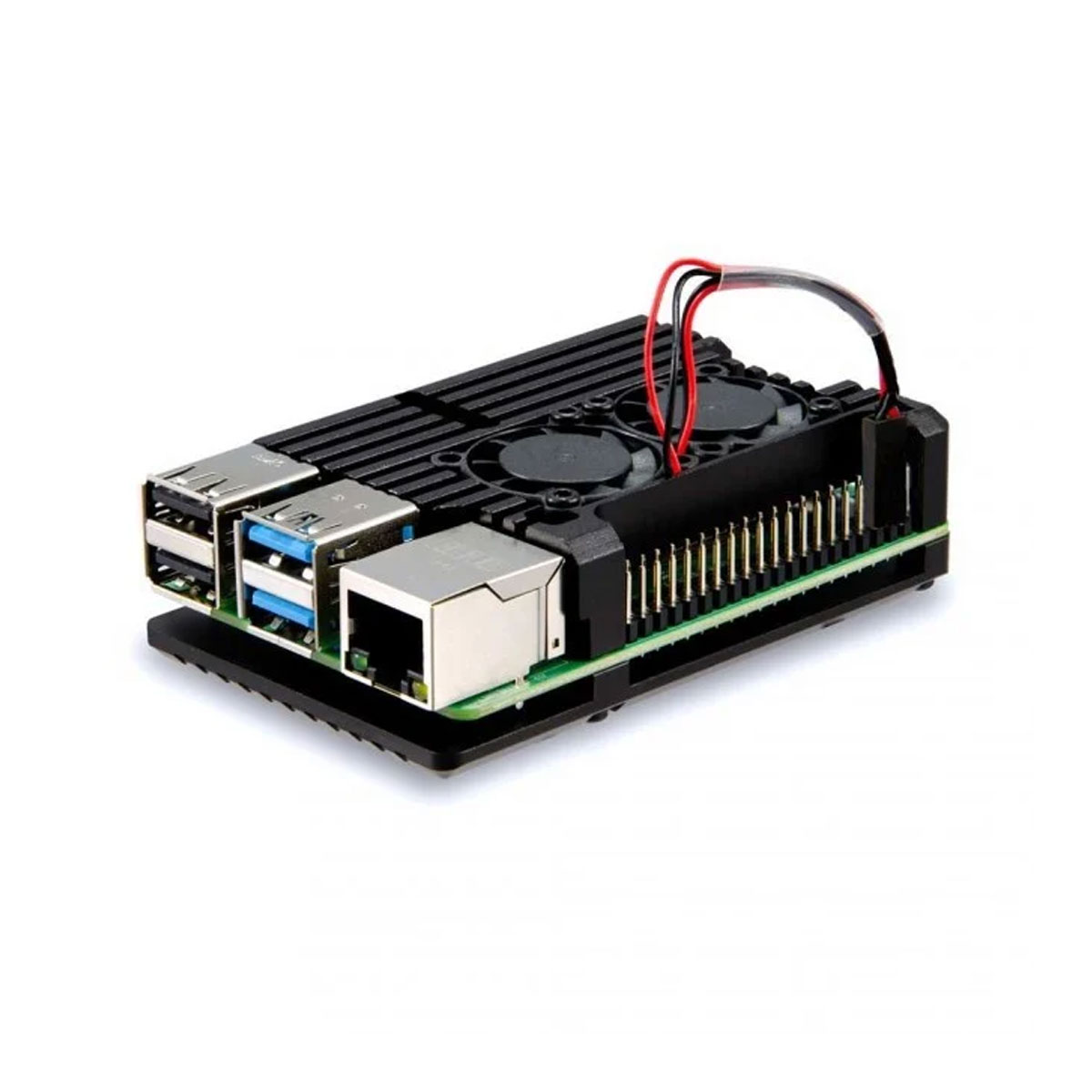
If you like to keep your Raspberry Pi cool, then this case is for you. The aluminium heatsink case keeps your Raspberry Pi passively cool while the dual fans actively cool your Pi for maximum cooling. Assembly of your heatsink should be quick and easy. First and foremost, make sure your Raspberry Pi 4 is powered off and unplugged.
קיים במלאי
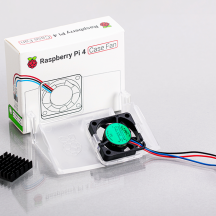
If you like to keep your Raspberry Pi cool, then this case is for you. The aluminium heatsink case keeps your Raspberry Pi passively cool while the dual fans actively cool your Pi for maximum cooling.
Assembly of your heatsink should be quick and easy. First and foremost, make sure your Raspberry Pi 4 is powered off and unplugged.
Next, take a thermal thermal pad, peel off the protective covers and attach to the CPU of your Raspberry Pi. If you would like, you can attach thermal pads to the DDR4 RAM chip, however, it isn’t a necessity.
Finally, you will need to position the top half of the case with the correct orientation, while simultaneously positioning the bottom half underneath your Pi. Grab your hex screws and trusty hex key, secure your new Pi heatsink case in place. If after assembly there is a visible gap between the CPU and the heatsink, disassemble and use an additional thermal pad.
Connect the fan wire as shown below (the orientation of red & black will control which direction the fan blows. They can be reversed).
עדיין אין שאלות למוצר זה.
מארזים למסכים
מארזים ומעמדים
מארזים ומעמדים
מארזים ומעמדים
מארזים ומעמדים
מארזים ומעמדים
מארזים ומעמדים
רספברי פיי

מארזים ומעמדים
מארזים ומעמדים
מארזים ומעמדים

רספברי פיי
מארזים ומעמדים

מארזים ומעמדים
מארזים ומעמדים
מארזים ומעמדים
מארזים ומעמדים
סימנת בפרטי המשלוח איסוף מנקודת שירות, יתכן וחברת השילוח תעדכן את נקודת האיסוף לפי שיקול דעתה במקרה של עומס בנקודת מסירה שבחרתם.
אני מאשר את התנאיםטלפון: 0584998006
כתובת: רחוב הצורן 4 א, נתניה


סימנת בפרטי המשלוח איסוף עצמי, כמה דברים לדעת לפני:
טלפון: 0584998006
כתובת: רחוב הצורן 4 א, נתניה